Simplify Social Media Scheduling and
Publishing Effortlessly
Schedule Google Business Profile Posts
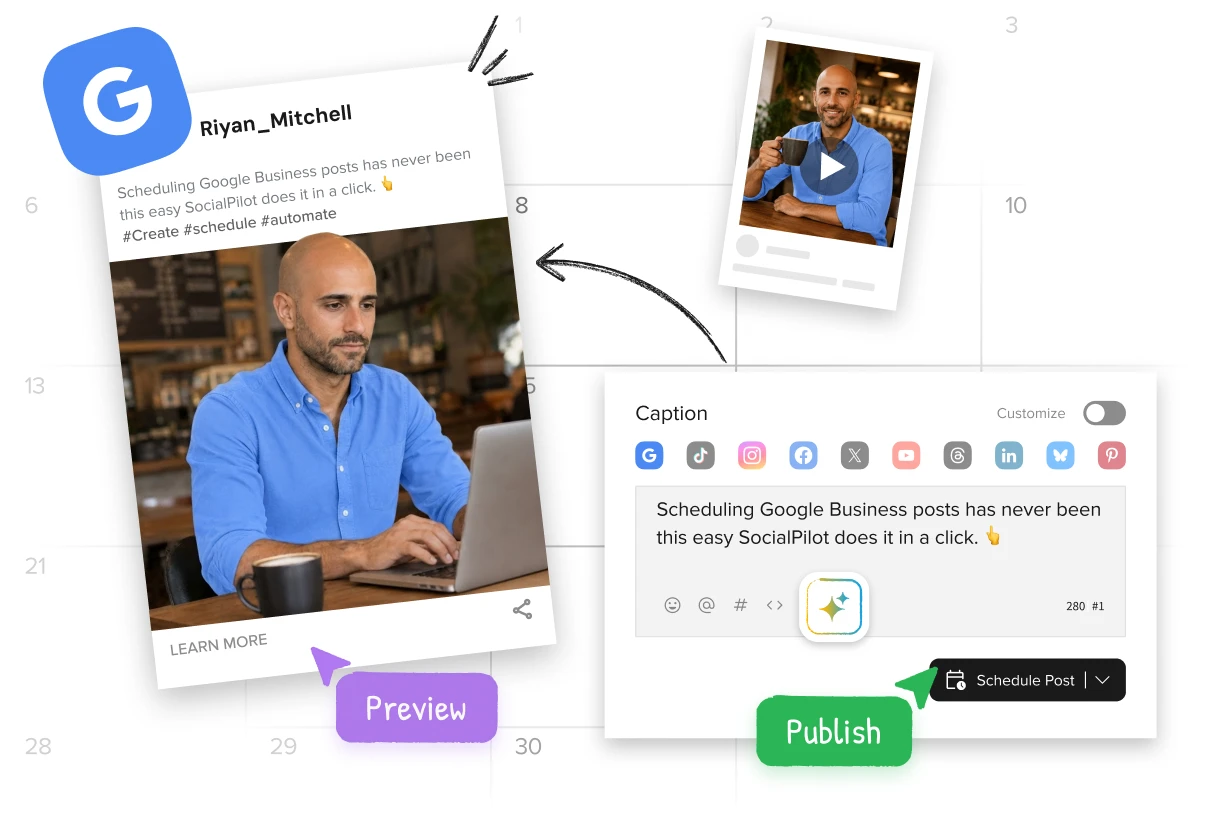
Maintain an active and influential presence on Google by publishing a steady stream of content.
Trusted by 15,000+ businesses and creators






Strengthen your engagement and credibility on Google Business with a refined content strategy.
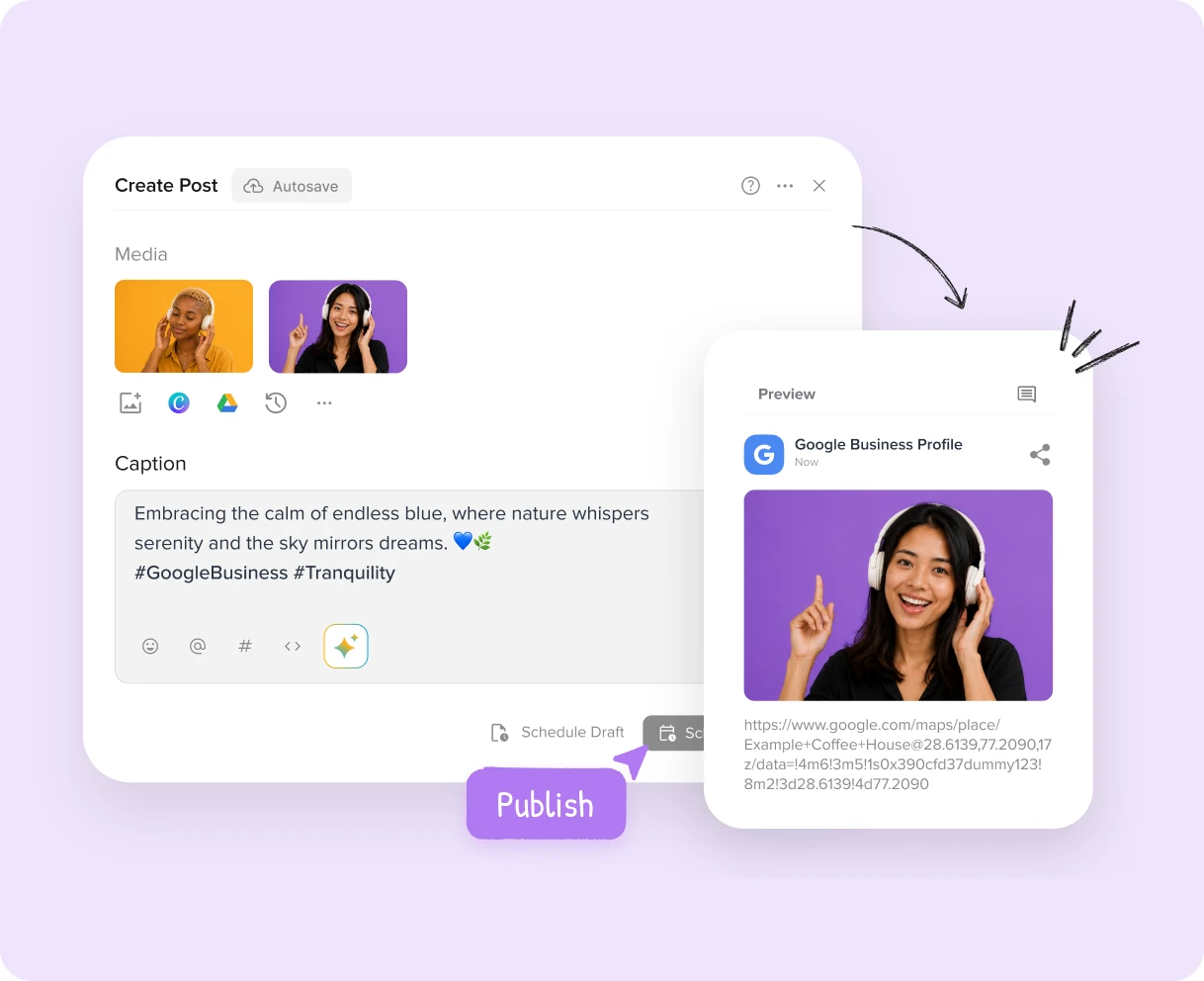
Enhance your Google Business Profile by scheduling posts with images, GIFs, and videos to effectively showcase your products, services, and brand.
Custom Fields maintain brand consistency across accounts, keeping your business identity strong and tailored to each account for more engagement.


Filter posts by location or account in your calendar for granular control, tailoring your content strategy to each unique location or account’s needs.
With just a single click, get AI-crafted captions tailored for your business, ensuring a consistent tone in all Google Business Profile posts and enhancing brand image.


Get an organized, easily accessible repository of content assets in the Content Library. Select, schedule, and reuse them to enhance the consistency of your profile updates.
Use strategic CTA buttons in posts to guide audiences toward desired actions, increasing conversion chances by directing them to specific pages.


Track your Google Business Profile traffic origin—posts, ads, or other content—using UTM tracking. Allocate resources effectively and refine your strategy.
Built for visibility and trust, AI Suggested Time helps you post when potential customers are actively looking.
Don’t just stay active. Show up when it counts.

Everything agencies and SMBs need to manage Google Business Profile at scale

Seamless Approval Workflow
Experience a seamless approval workflow, without any device limitations or login hassles for clients.

White Label Customization
Personalize the look of the tool and Analytics reports based on your brand colors.

Collaborate Effectively
Collaborate with your team to create, publish, and schedule content effortlessly.
SocialPilot has emerged as the preferred social media management tool for more than 15000 customers.

After spending 3 weeks comparing social media scheduling tools, SocialPilot emerged as the best option. It surpasses Hootsuite and Buffer in value, cost, and exceptional customer support.


Jenna D.
Founder & Community Explorer | Life in Düsseldorf

Alexis Armour
Model at Chantale Nadeau
The price can't be beaten and the amazing customer service you get when you experience technical issues. I've used Hootsuite and SocialChamp and they don't come close to touching SocialPilot.

Robin A.
Agency owner | Birdhouse Marketing & Design
I highly recommend this cost-effective option! It surpasses Hootsuite by providing valuable analytics for clients. Scheduling content is a breeze, and the suggested times feature is useful.

Victoria Y.
Founding President | Red Ball Consultants
I highly recommend this platform! Unlike Hootsuite, I can confidently manage multiple accounts without worrying about surprise billing. The impressive stats and analytics make reporting to clients a breeze.

Juan O.
Digital Marketing Director | The Click Town

Nathan Gesner
Real Estate Broker
SocialPilot has the complete range of features our company needs to accomplish what we want - simply and efficiently. Not to mention the significant cost savings as well.

Jaimie C.
Marketing Professional
With all social networks conveniently managed in one place, it helps optimizes our time, a crucial aspect for us. Constant updates with essential functionalities further enhance its appeal.

Bradford J.
Project Management Lead | DAS42
Switching to Social Pilot was a game-changer. My previous scheduling app lacked Instagram support which was a hassle. Now, every platform I need is at my fingertips with SocialPilot.

Penny W.
Freelance Writer | PennyWilliamsWriter

Catherine Coffey
Marketing Specialist | Cahaba Medical Care
I can't recommend SocialPilot enough. Its user interface is a true gem—remarkably simple and intuitive. It's an inexpensive solution without compromising on quality or functionality.

Heather W.
Manager Marketing Distribution and Design | Greenphire
Highly Recommended on G2

Scale your social media marketing efforts with features designed for your business.

Use advanced features to customize and distribute content on a large scale efficiently.

Work collaboratively with teams at each location to create and share content.
Starting a new account? Or looking to reach more people? We’ve got you covered with tips and ideas to help you grow.

14 Google Business Profile Optimizations to Rank Higher in Local Search
 Om Prakash Jakhar
Boost your local search ranking and attract more customers with these 14 essential Google…

A Step-By-Step Guide to Google Business Page Setup
Om Prakash JakharSynonymous with online searches, Google is the go-to site for consumers looking to find…
SocialPilot makes managing Google Business Profile easy for all connected profiles. You can directly create and schedule your posts, monitor and respond to reviews and questions received through your profile Q&A section, and also track analytics. This allows for a centralized management of your social media interactions.
Yes, with SocialPilot, you can schedule Google My Business posts in advance and effectively plan your content calendar. You can add images, GIFs, and videos to showcase your brand, products, or services.
Yes, you can effortlessly manage multiple GMB accounts through the SocialPilot mobile app. With the latest intuitive UI, the mobile app makes it extremely easy for anyone to create and schedule posts while on the go. You can even manage post schedules for all profiles and pages.
Our scheduler enables you to schedule all your GBP posts in advance for the specific dates and times for all your profiles. This saves you and your team from the last-minute hassle of posting by automatically publishing the posts at the selected times.
Yes, SocialPilot lets you connect and manage several GMB accounts from a single dashboard. This provides a centralized hub for scheduling posts, monitoring reviews, and tracking analytics for all connected GMB accounts.
Yes, with the content calendar, you can preview the content, images, and formatting before the scheduled posts get live.
Certainly! You can customize the CTA buttons for each post to guide the audiences in taking the desired actions. You can add actionable CTA buttons such as "Shop," "Sign Up," "Learn more," or "Call now" with custom links to the landing pages.
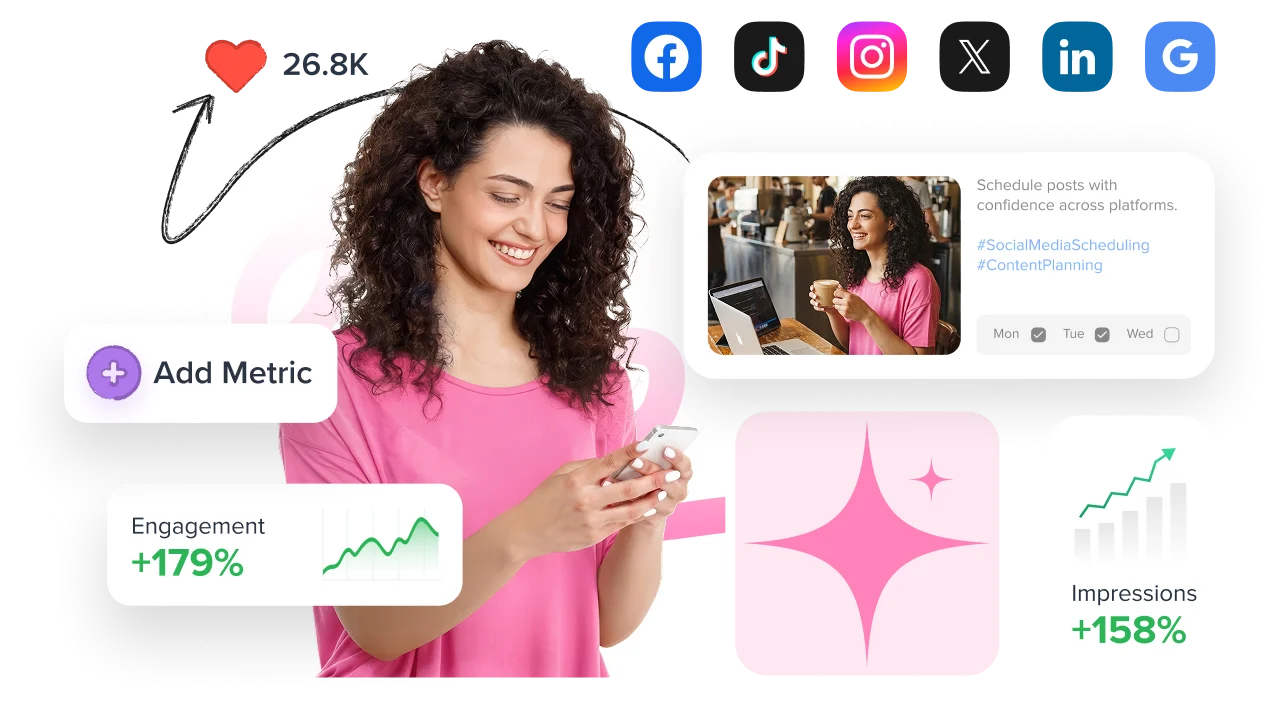
Engage customers and drive more walk-ins and online inquiries by posting about offers regularly.